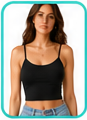
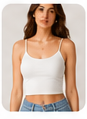
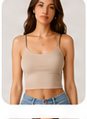
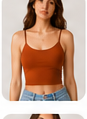
01
Click “Try with AI”
The shopper starts the virtual try-on directly from the product page.
✓Product selected
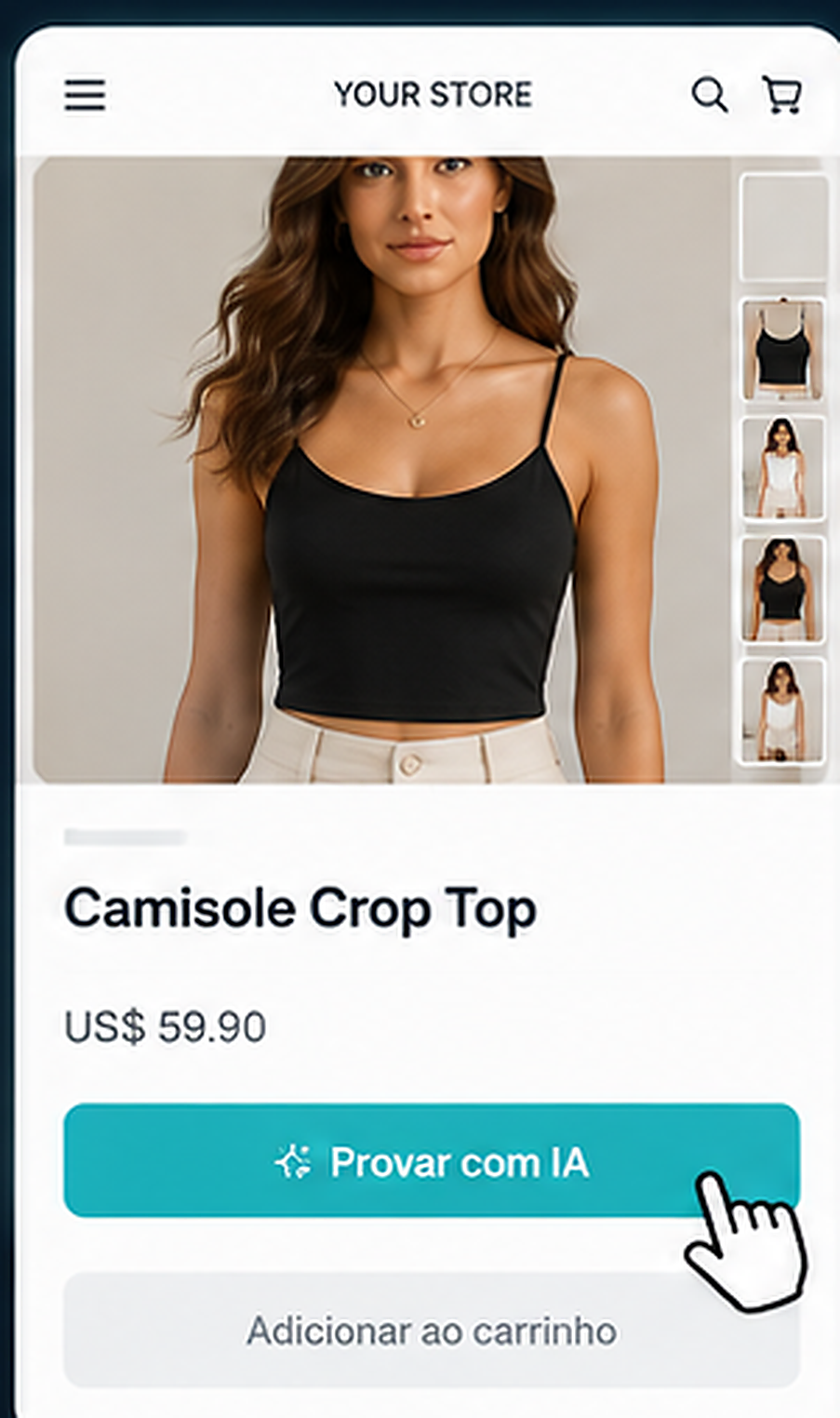

Add a “Try with AI” button to your store. Shoppers upload a photo, see the product on themselves and return ready to buy. No monthly fee.
The shopper starts the virtual try-on directly from the product page.
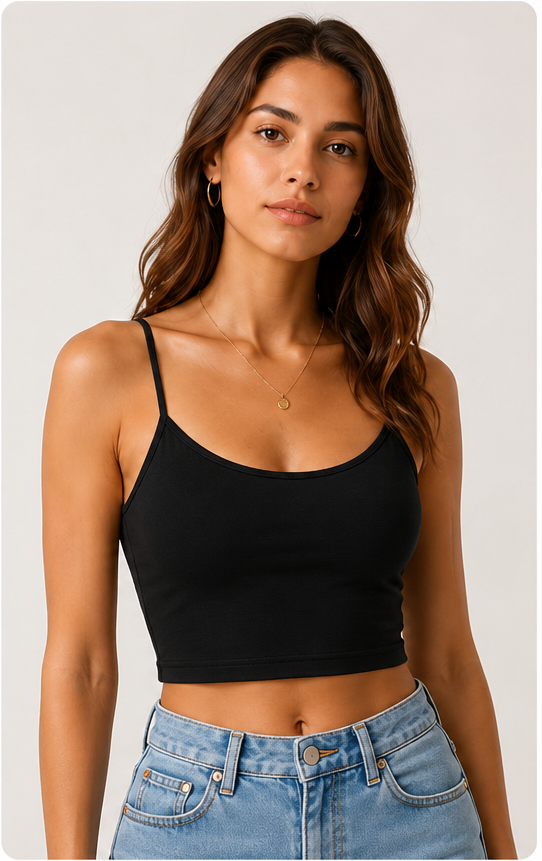
The shopper uploads a front-facing photo. This is the original image used by the AI.
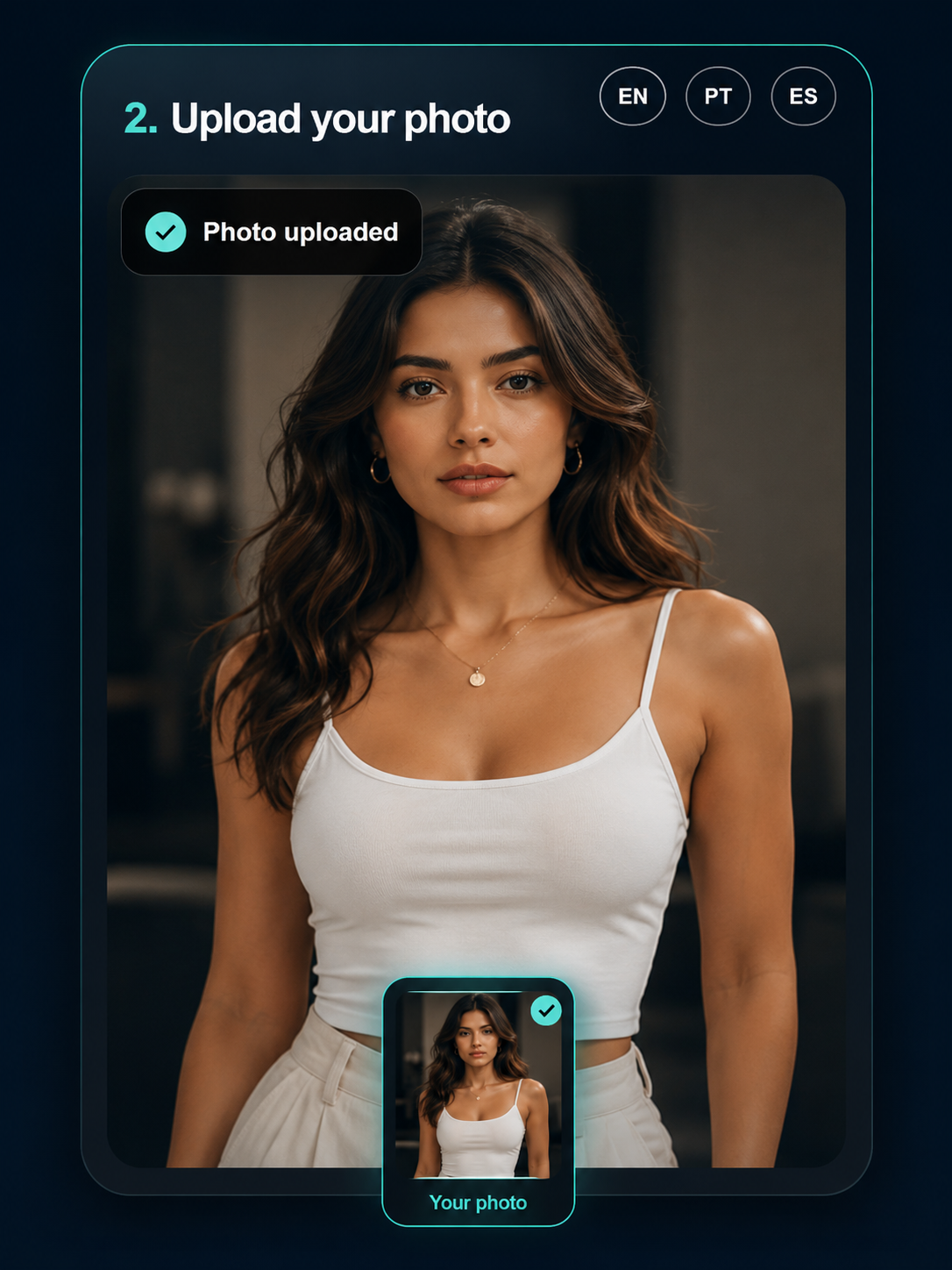
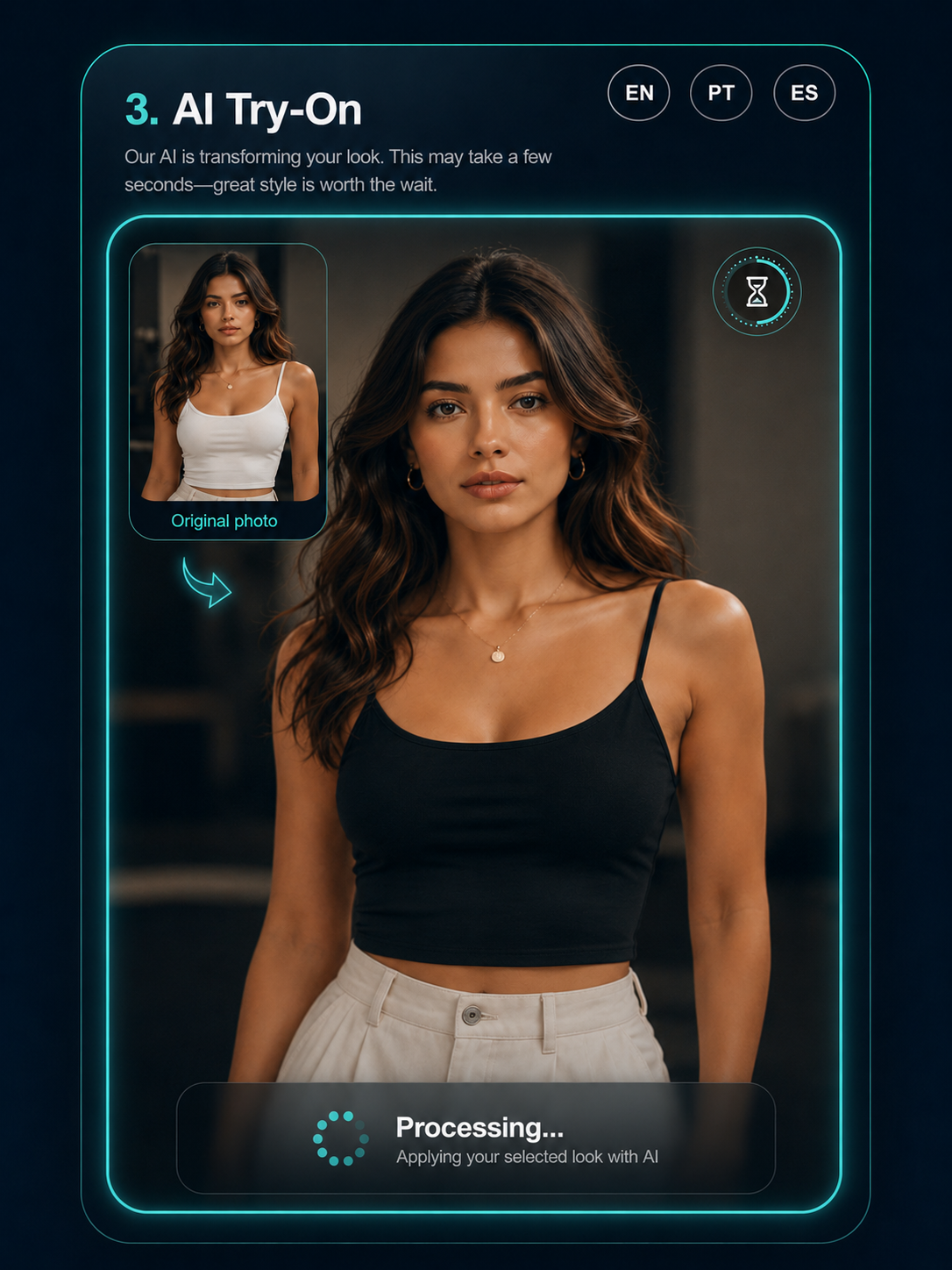
The system applies the selected item to the shopper photo and shows the generation in progress.
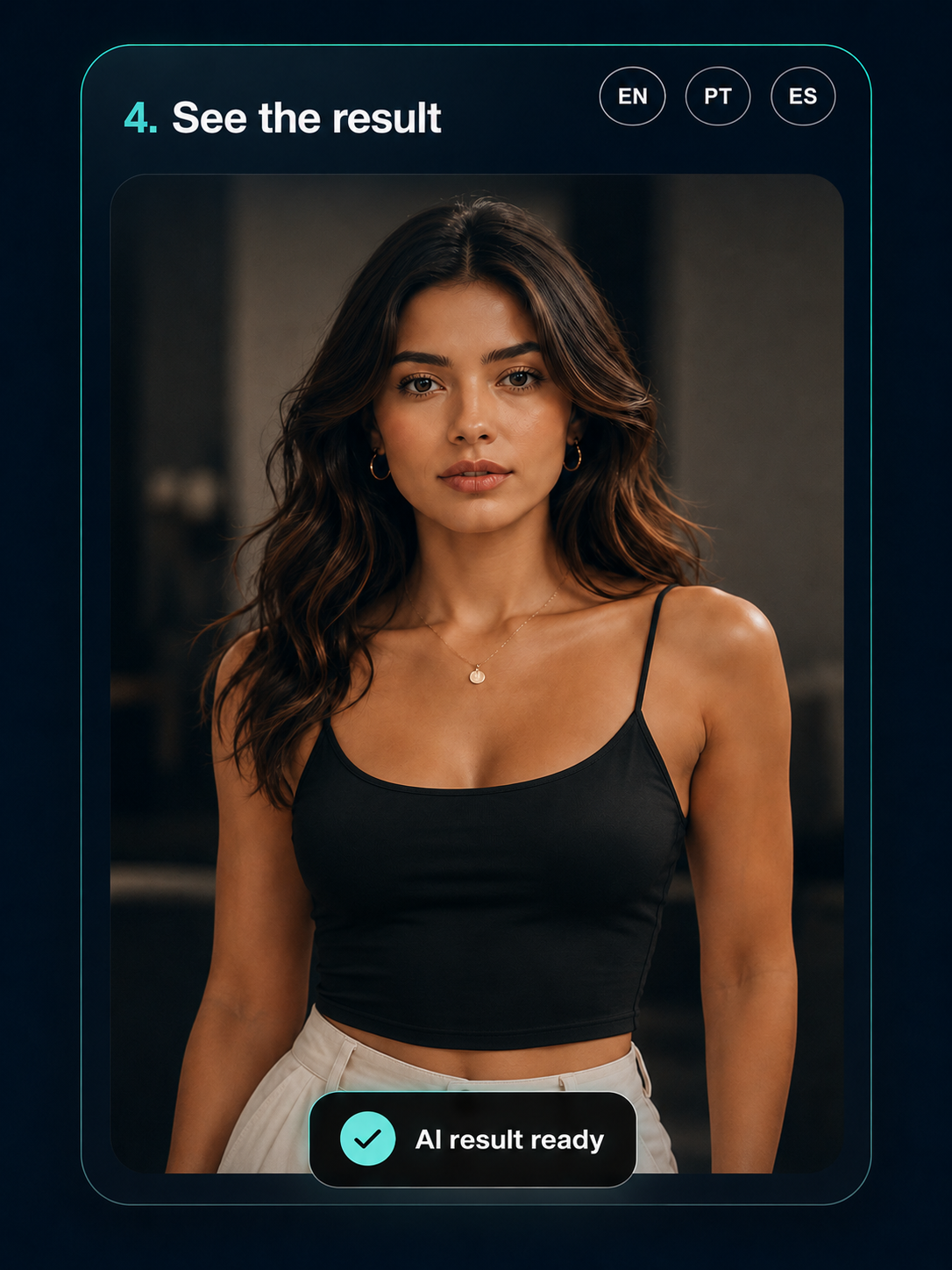
The same shopper appears wearing the selected item, ready to compare and buy.
Upload the image, category and purchase link.
Copy the embed code or button to your product page.
Your customer takes or uploads a photo on any device.
In seconds, the shopper sees the product on themselves.






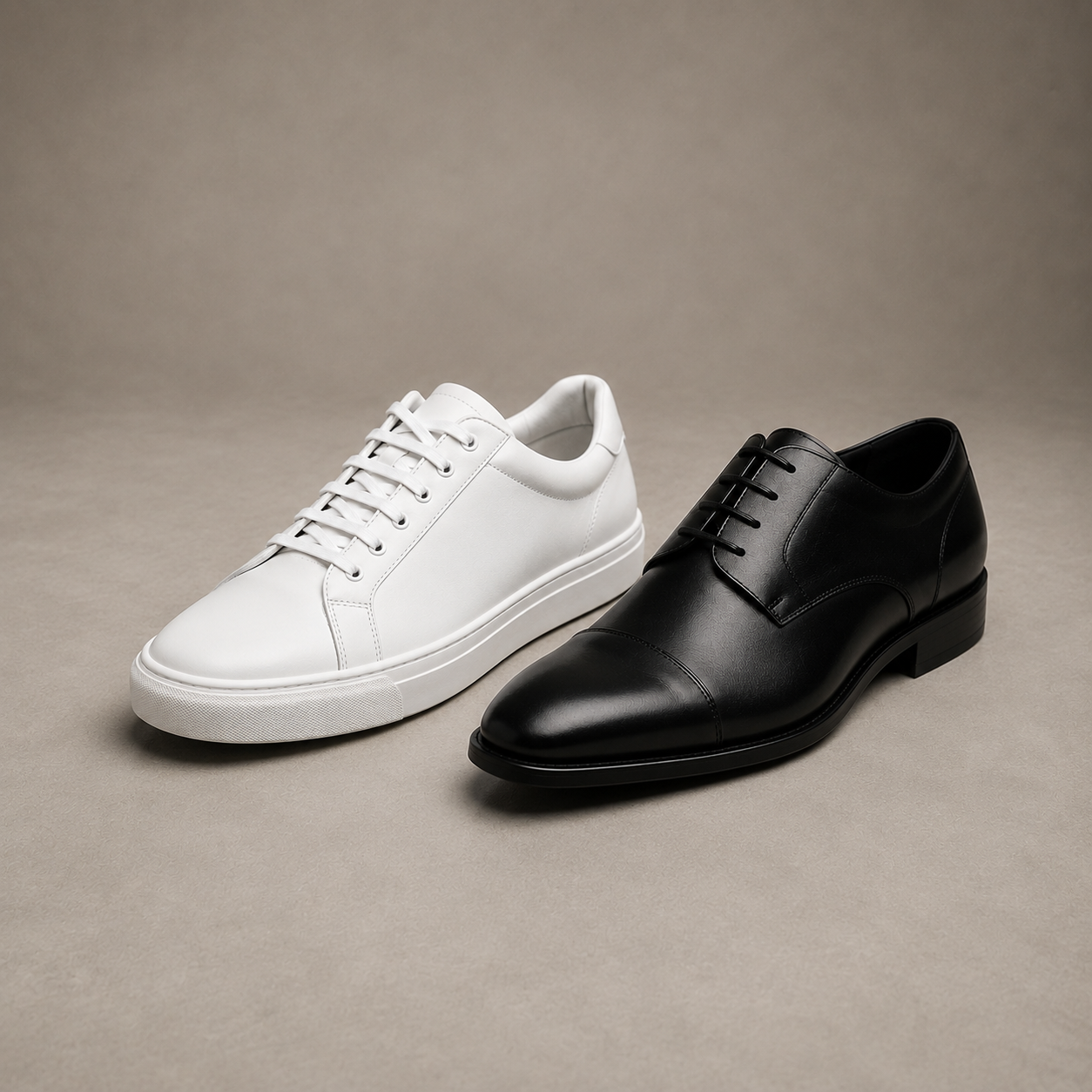
Shoppers see the product on themselves before buying.
Pay only for successful AI try-ons. Simple and fair.
Works with your ecommerce platform in minutes.
Add the “Try with AI” button to any product page. No code changes to your theme.

Create your free account now and test TRYONFIT with free credits.